
Pattern recognition
Kids learn to spot checks, captures, threats, loose pieces, and king safety.
WhyThisMove Kids
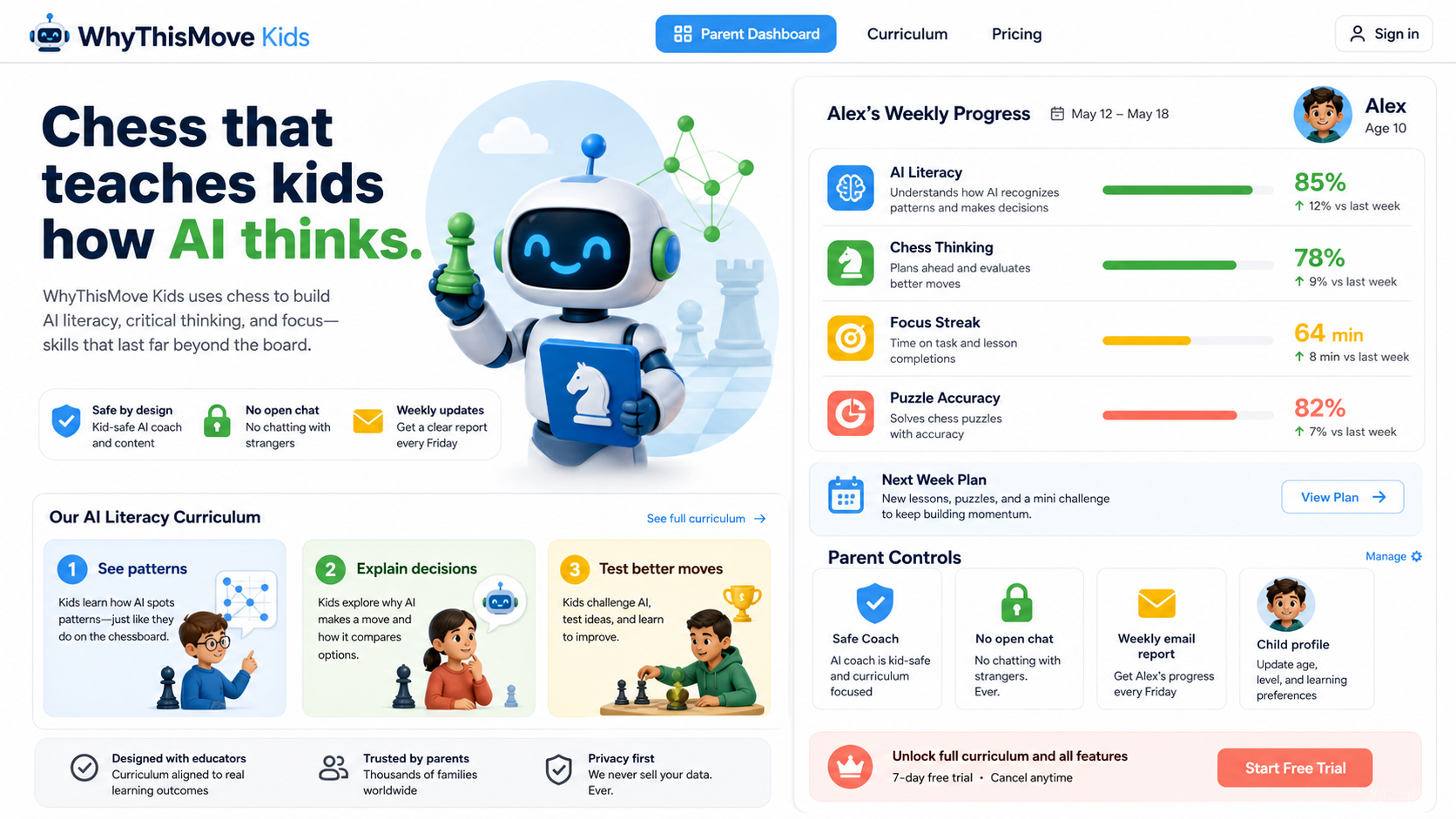
A bright chess learning branch for students ages 8-18, with a parent-owned profile, safe coaching, and weekly progress signals.
AI literacy curriculum
Kids learn to spot checks, captures, threats, loose pieces, and king safety.
The coach shows how AI compares two or three choices before trusting a move.
Each session ends with a small move decision and a parent-readable learning signal.
Kids app
The Kids branch keeps the proven analysis engine and AI coach underneath, but changes the interface into quests, badges, and See / Think / Try guidance.
Try the Kids branch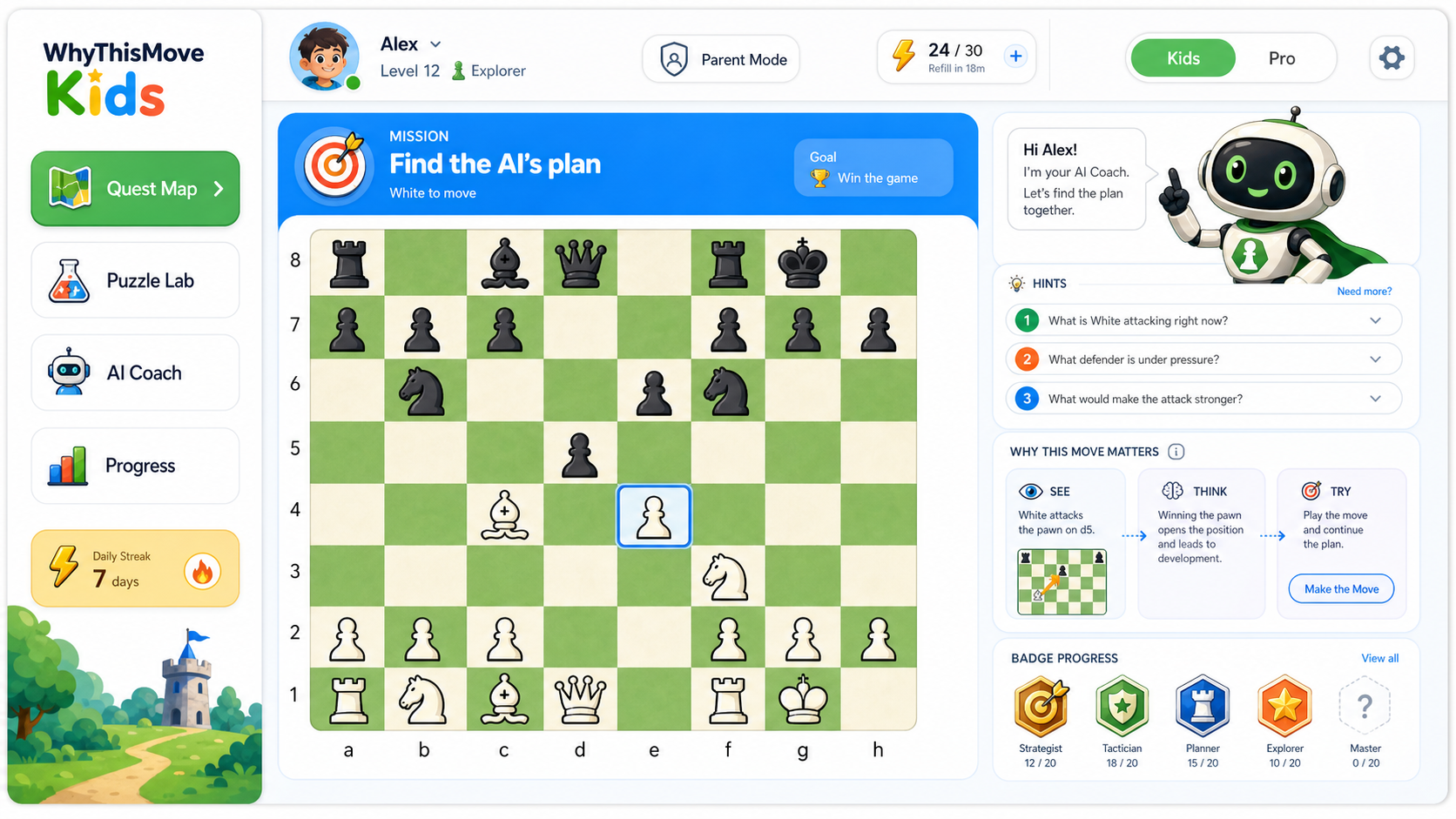
Product demo
Three daily missions: Observe, Compare, Decide in about 10 minutes.
Real chess training with a brighter board and candidate-move guidance.
Short See / Think / Try explanations show how AI observes and compares.
XP, badges, and gentle streaks show personal growth without public rankings.
Sample weekly report
Safe coach, no open chat, weekly report, and child profile settings stay with the parent account.
Pricing
Kids is not a separate brand and does not ask children to register. Parents buy, manage profiles, and control learning settings.
Classroom
Teachers can start with projector-friendly Puzzle / Position views, AI thinking discussion prompts, and no public leaderboard.
FAQ
Only nickname, age band, preset avatar, and learning settings are stored. No child email, password, or social account.
Parents can disable Kids AI Coach; the backend also rejects kid-mode AI requests when disabled.
The page says designed with child privacy in mind and does not claim legal compliance completion before review.
Kids mode is a product branch inside WhyThisMove. Public launch privacy language should still be reviewed before broad paid acquisition.